Admin & Office CV Format (2026)
Admin roles are screened for reliability, organisation and software fluency, and all three are easy to claim and hard to prove. "Handled office work" tells a hiring manager nothing.
Below is a full administrative CV, section by section, built on concrete examples of what you kept running: calendars, records, vendors, budgets. Copy the structure and put your own in it.


Choosing your template
An admin CV should look as organised as you are — clean, tidy, and easy to read. Choose a simple ATS-verified template from our gallery and keep the formatting impeccable.
Browse all 20 templates →Section-by-section: what to write
Contact information
Name, professional email, phone number, and city. Keep it clean and correct — an admin CV with typos undermines the organised image you're selling.
Professional summary
Two to three lines: your admin experience, the settings you've supported (corporate office, NGO, school), and a strength — e.g. "Detail-oriented admin officer with 4 years managing scheduling, records, and vendor coordination for a 50-person office."
Work experience
Show responsibility and outcomes: calendars managed, events coordinated, records digitised, cost savings on procurement, processes streamlined. "Reorganised the filing system, cutting document retrieval time by half" beats "maintained files."
Skills
Lead with software (MS Office — Word, Excel, PowerPoint, Outlook; Google Workspace) and organisation skills (scheduling, minute-taking, data entry, correspondence, bookkeeping). Mirror the tools in the job post.
Languages & extras
List your languages with a level against each, which matters for any role that involves writing correspondence. Add office-administration, bookkeeping or software certifications here too.
Education
Your highest qualification and institution. Admin roles are accessible to freshers, so highlight relevant coursework, computer literacy, and any internship or part-time office experience.
Keywords ATS looks for
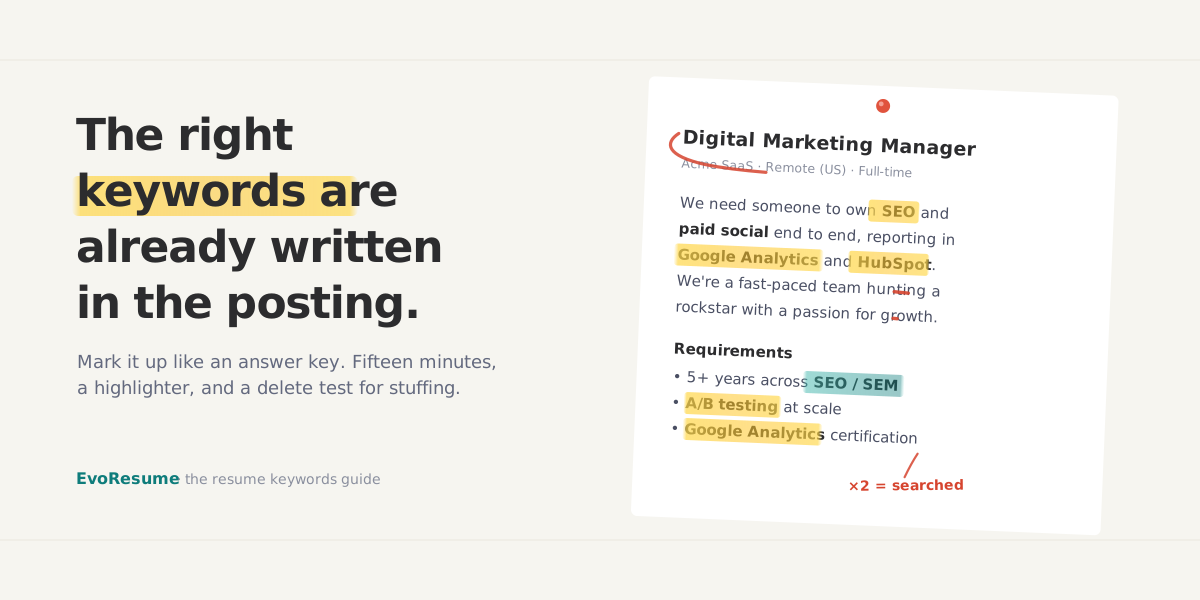
Weave these into your CVwhere they’re true to your experience, and always mirror the exact wording from the specific job post you’re applying to.
Common mistakes to avoid
Administrative & Office CV: FAQ
What should an administrative CV include?
A clean summary, work experience showing responsibility and specific process improvements, a skills section led by office software, your language levels, and education. A tidy template reinforces the thing you are selling, which is that you are organised.
How do I make an administrative CV stand out?
Replace vague duties with specific responsibilities and measurable improvements — time saved, processes streamlined, events coordinated, costs reduced. Highlight your software fluency and keep the formatting impeccably clean.
Which software should I list?
MS Office (Word, Excel, PowerPoint, Outlook) and Google Workspace are essential. Add any accounting software (Tally, QuickBooks) and mirror the exact tools the job post mentions — these are key ATS keywords for admin roles.
Can freshers apply for admin roles?
Yes — admin and office roles are among the most accessible entry points. Lead with computer literacy, organisation skills, language proficiency, and any internship, tuition, or part-time office experience.