ATS Template 2026
The single-column Word template with the coaching notes left in.
Regular price $10, now $1.
View the ATS Template 2026 →No tables. No text boxes. No columns, header or footer. The document is one straight run of paragraphs, which leaves a parser nothing to read out of order and no structure to guess at.
Paid once. No account, no renewal. The download link shows on the next screen and arrives by email.
Screening software reads a resume by finding headings it recognises and pulling the text underneath into fields. Everything this file leaves out is something that step can trip over.
Open the .docx and look: the document body holds no tables, no text boxes, no multi-column section break, and both the header and footer are empty. Two-column layouts get read across the page, so a job title lands under the wrong employer. Nothing here can do that.
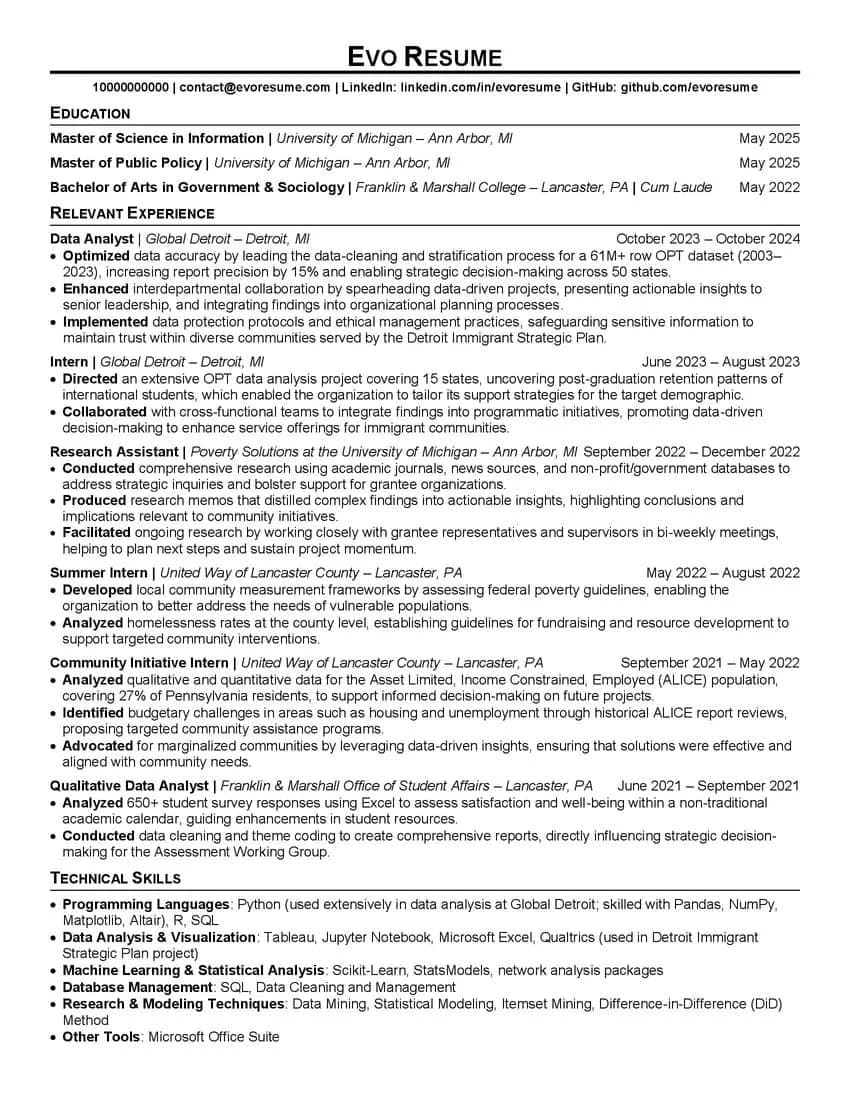
Written for the case where the degree is your strongest line. Recent graduates, career changers, and anyone applying somewhere the credential gets screened before the history does. Move the block down if that isn't you; the rest of the file doesn't care.
Internships, a research assistantship and a summer placement each get their own dated entry with two or three bullets rather than being folded together. Short tenures read as a continuous run that way, instead of as gaps you're apologising for.
Optimized, Directed, Conducted, Produced, Analyzed. A recruiter skimming the left edge of the page gets the shape of your record in about four seconds, which is roughly what the first pass is worth.
Six labelled groups rather than one comma run forty words long: languages, visualisation, statistics and machine learning, databases, methods, tools. Keyword matching finds the terms either way. A person can only scan the grouped version.
Keep the original clean. You'll want to come back to it when the next posting needs different wording.
Phone, email, LinkedIn, portfolio or GitHub, on one line under your name. Leave it in the body of the document.
Degree, then institution and location in italics, then the date on the right. Honours go on the same line. Drop the GPA unless it's above 3.5 or the posting asks for it.
Don't merge two short jobs at the same employer to save a line. Separate entries with real dates is what makes a run of internships read as progression.
Past tense, and a verb that says what you did rather than what you were responsible for. The bolding is doing real work here: it's the only formatting on the page, so it's the only thing a skim can catch.
Rows processed, states covered, respondents surveyed, percentage moved. The template's samples all carry one, so an empty first bullet stands out badly next to them.
Same six group headings, contents swapped for the tools you actually use and the posting actually names. Spell them the way the posting does.
When it overruns, cut the oldest entry to a single bullet before you touch the font size. Shrinking type to fit is the first thing a recruiter notices and the last thing that helps.
Select the text of a job title in the exported PDF to confirm it's real text, then put the file through the score checker.
Each is a dollar and each does one job well. Browse all three, then read the table below for the detail, or see them together in word resume templates.
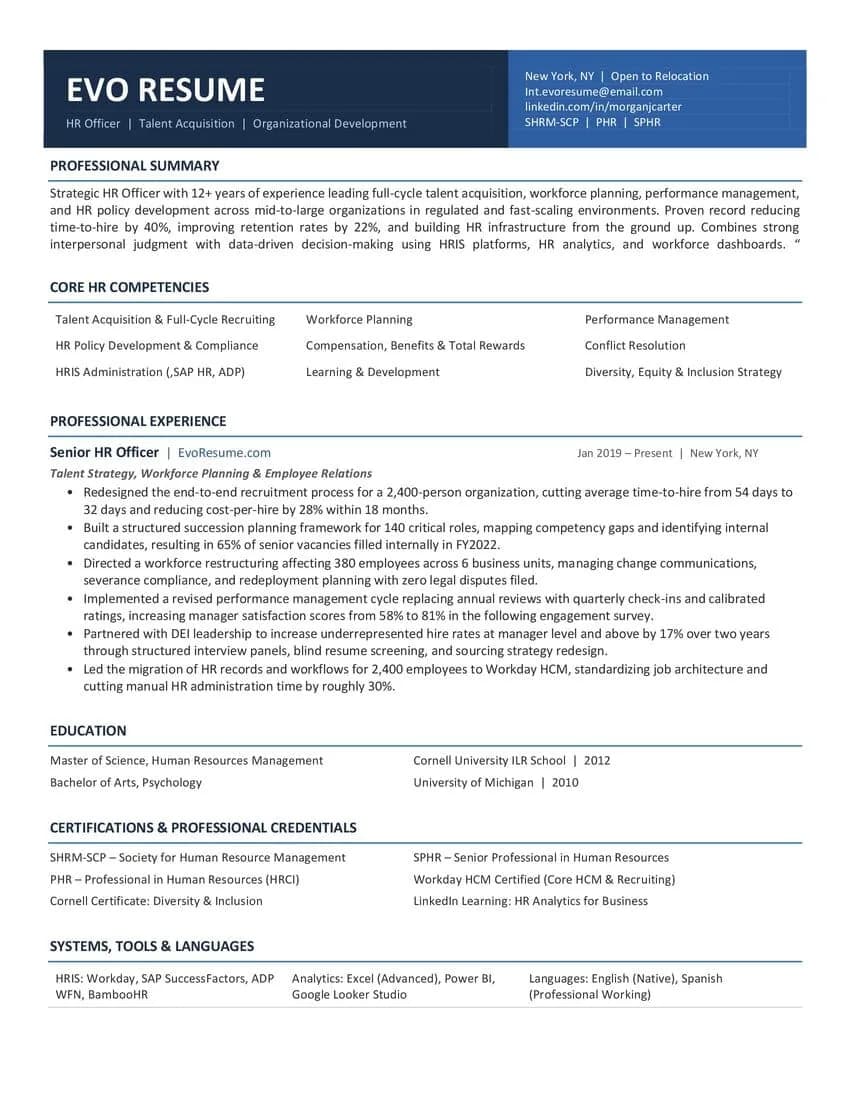
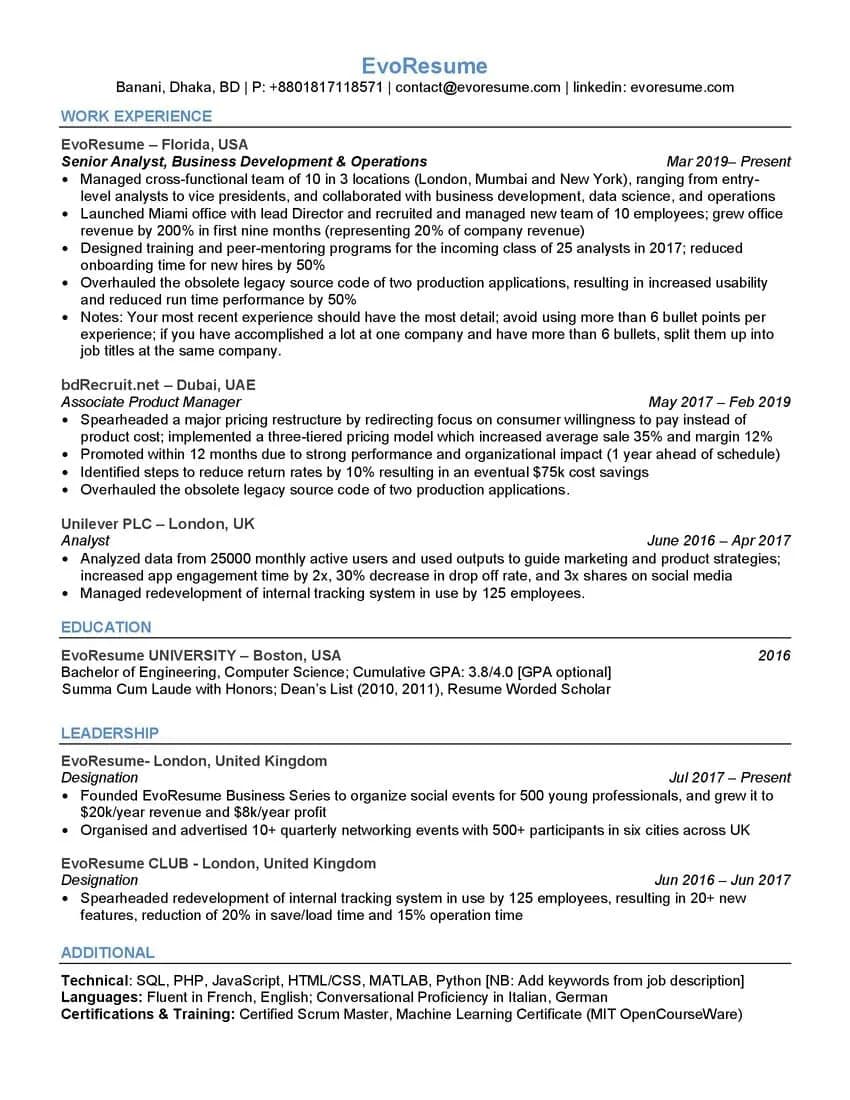
| ATS Template 2026 | Top ATS TemplateYou're here | Interview Template | |
|---|---|---|---|
| Leads with | Work experience | Education | Summary and competencies |
| Layout | Single column, no tables | Single column, no tables | Single column, borderless tables |
| Written for | A rewrite from scratch | High-volume portal applications | The read across the table |
| File | Word .doc | Word .docx | Word .docx |
The sample content is a data analyst's because that role fills every section usefully. The structure has nothing analytics-specific in it. Replace the text and the skill group headings and it fits any field.
Yes, and you should once you're a few years in. Select the block and move it. Nothing else in the file depends on the order.
On the page, mostly yes. The argument for it is that the first read is done by software and the second is a recruiter giving you a few seconds, and neither is scoring the design. Put the effort into the bullets.
No. Pay, and the download link appears on the next screen and arrives by email. It works for 30 days and up to 25 downloads.
That's what it is. Every line is placeholder text meant to be replaced. What you're buying is the structure: which sections appear, in what order, and how each bullet is phrased.
No. This is a Word file you edit yourself, paid for once. The builder scores your resume as you write it and exports a PDF, and it's priced separately from $4.99.
Want the score as you write instead of a file to edit? Build it in the editor, or read the reasoning behind every layout choice.
$10 normally, $1 while the launch price holds. One file, yours to keep.
Paid once. No account, no renewal. The download link shows on the next screen and arrives by email.