You're viewing this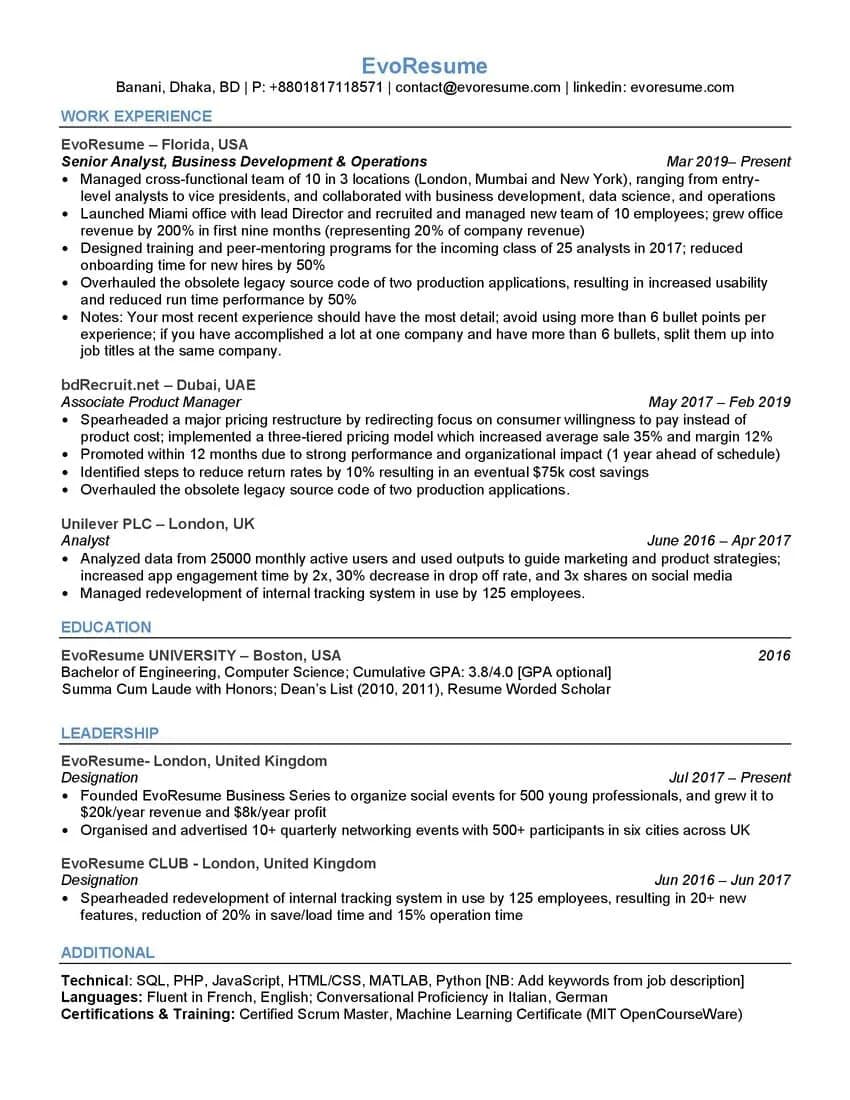
ATS Template 2026
The single-column Word template with the coaching notes left in.
Regular price $10, now $1.
Get this one — $1A one-page Word file with the coaching notes left inside it. The rules sit in the section they apply to, so you learn the pattern while you replace the text, then delete them on your way out.
Paid once. No account, no renewal. The download link shows on the next screen and arrives by email.
Most templates hand you an empty shape and wish you luck. This one keeps its instructions inside the document, next to the section they govern.
A note inside the experience section caps you at six bullets per role and tells you to split a long tenure into separate job titles instead of running past it. Square brackets beside education mark the GPA as optional. Another beside the skills line reminds you to paste in the posting's own terms. You delete each one after you've used it.
Every bullet is already in the shape you want: verb, what you did, the number it moved. "Grew office revenue by 200% in the first nine months." You're editing a sentence that already works instead of staring at an empty line trying to remember what you did in 2019.
It sits under education and takes the committee you sat on, the society you started, the meetup you run. Those entries look thin buried in a work history and look like range when they have their own heading with dates and outcomes attached.
Contact details sit on one line under the name, in the body of the document, not in a Word header. There are no tables, no text boxes and no second column. Headings are the ordinary words screening software looks for: work experience, education, additional.
Word, Google Docs, LibreOffice or Pages all open it. Work in the copy so you can go back to a clean file when you tailor it for the next application.
City, phone, email, LinkedIn, all on the single line under your name. Leave it in the body. The moment it moves into a Word header, a good share of parsers stop seeing it.
Newest role first and it gets the most detail, up to six bullets. Roles further back get two or three. If one employer covers several years and several titles, split it into separate dated entries under the same company rather than running to nine bullets.
Keep the shape: past-tense verb, the thing you did, the figure at the end. No figure to hand? Use a count instead. People managed, accounts held, tickets closed, sites covered. A number that's merely true beats an adjective.
The lines beginning "Notes:" and anything inside square brackets ship with the file so you can see the rule. None of it is meant to leave the house with your resume.
Technical skills, languages, certifications. Put the posting's exact tool names here when you genuinely use them, spelled the way the posting spells them, because that's the string being matched.
Open the PDF and try to select the text of one job title. If it highlights as text, a parser can read it. Then run the file through the score checker before you send it anywhere.
Each is a dollar and each does one job well. Browse all three, then read the table below for the detail, or see them together in word resume templates.
| ATS Template 2026You're here | Top ATS Template | Interview Template | |
|---|---|---|---|
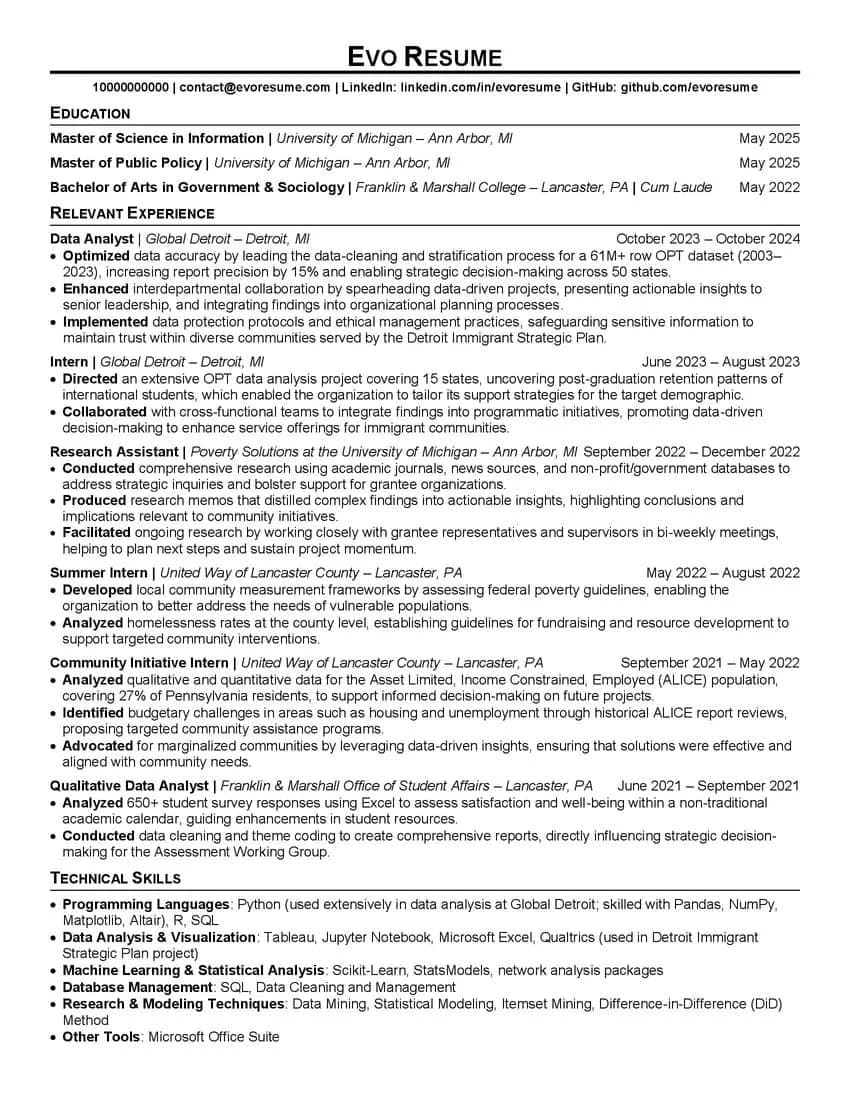
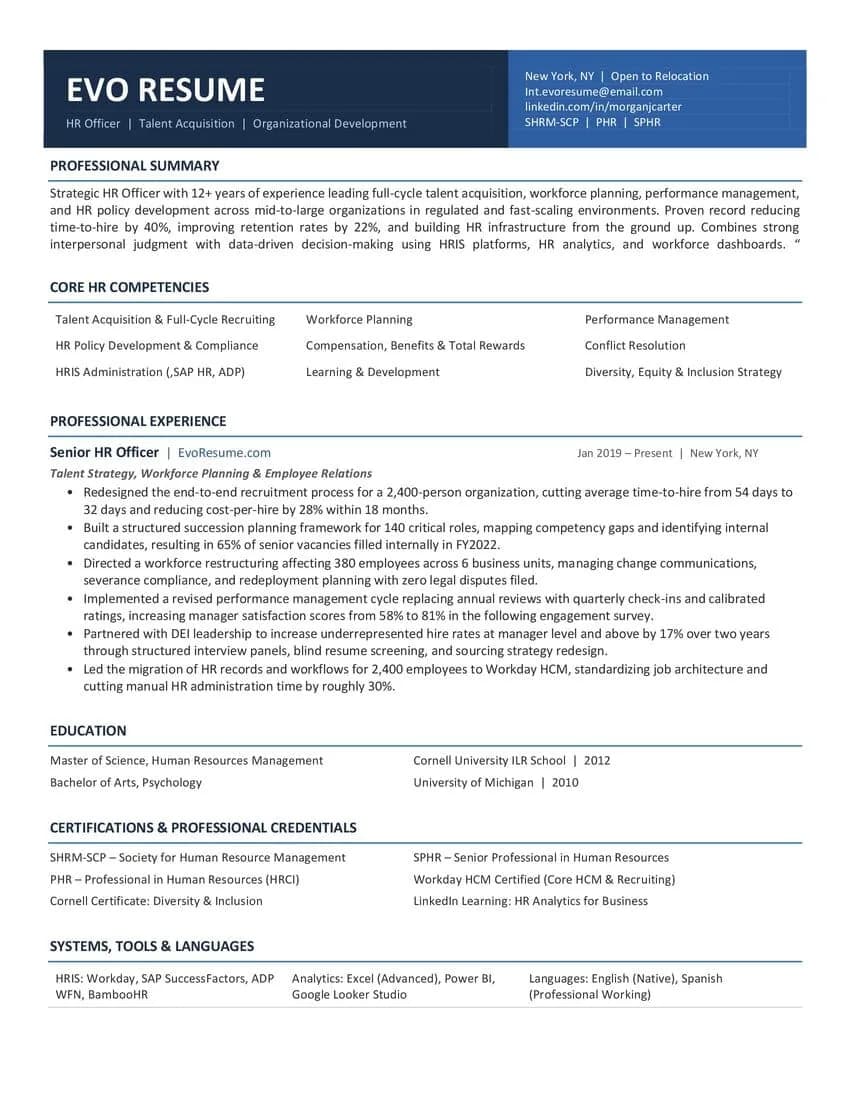
| Leads with | Work experience | Education | Summary and competencies |
| Layout | Single column, no tables | Single column, no tables | Single column, borderless tables |
| Written for | A rewrite from scratch | High-volume portal applications | The read across the table |
| File | Word .doc | Word .docx | Word .docx |
That's the format it was authored in, and it's kept unchanged on purpose. Word, Google Docs, LibreOffice and Pages all open it. Save as .docx yourself if you'd rather work in the newer format.
No. If you've nothing to put in it, delete the heading along with the entries. An empty section is worse than a missing one.
No. Pay, and the download link appears on the next screen and arrives by email. It works for 30 days and up to 25 downloads.
That's what it is. Every line is placeholder text meant to be replaced. What you're buying is the structure: which sections appear, in what order, and how each bullet is phrased.
No. This is a Word file you edit yourself, paid for once. The builder scores your resume as you write it and exports a PDF, and it's priced separately from $4.99.
A template can't do that. What it can do is stop a screening system mangling your experience before anyone reads it, and give you a phrasing pattern to copy. The content is still yours to write.
Want the score as you write instead of a file to edit? Build it in the editor, or read the reasoning behind every layout choice.
$10 normally, $1 while the launch price holds. One file, yours to keep.
Paid once. No account, no renewal. The download link shows on the next screen and arrives by email.